

How to Choose an Uploadblog Category for Your Website Today
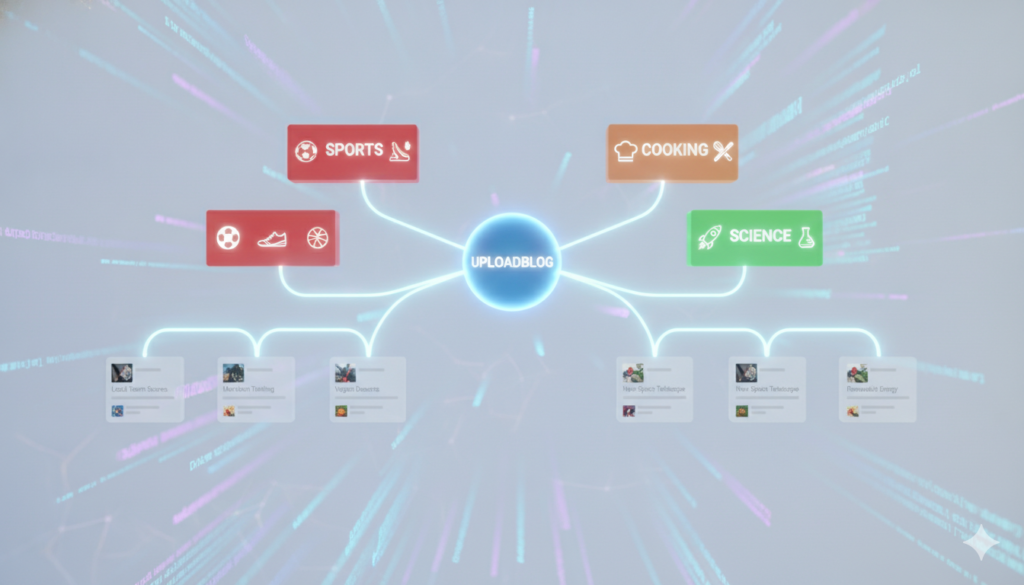
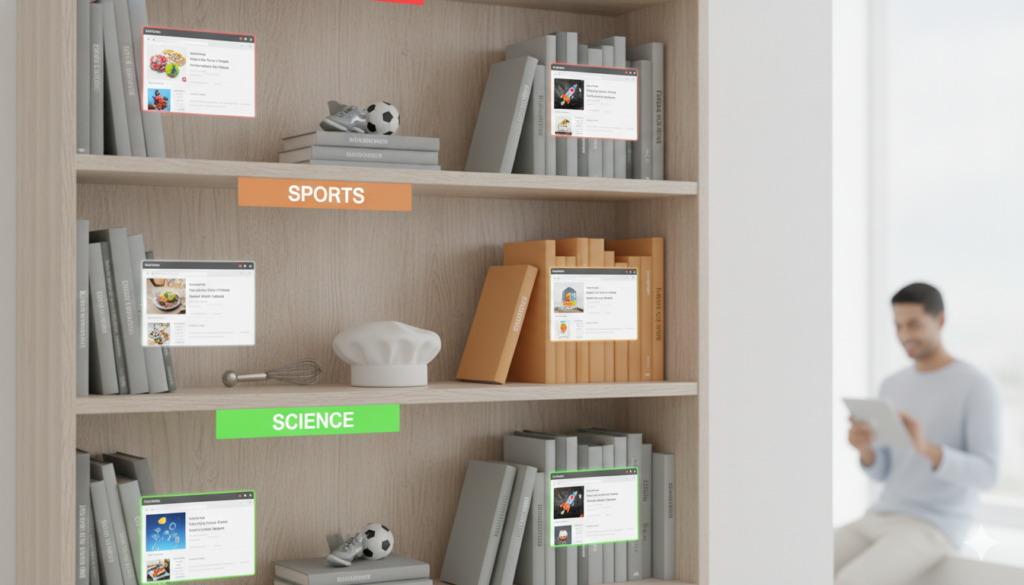
Every great website needs a smart plan to organize its pages. When you share articles online, you want people to find them fast. Using an Uploadblog Category structure is the absolute best way to do this. Think of it like a clean bookshelf. Instead of throwing your books in a big pile on the floor, you put them nicely on shelves. One shelf holds sports, another holds cooking, and a third holds science. A clear uploadblog category setup does the exact same thing for your digital articles. It groups similar stories together so your visitors do not get lost or confused.
When I first started building web platforms, I made a huge mistake. I just published every single post without grouping them at all. My homepage looked like a giant, messy room. Visitors would click onto the site, look around for five seconds, and leave because they could not find what they wanted. Once I added a dedicated uploadblog category system, everything changed for the better. People stayed longer, read more pages, and left happy comments. This simple organizing trick helps both human readers and computer search tools understand your layout immediately.
What Is an Uploadblog Category Exactly?
An uploadblog category is a specific label you give to a group of related articles on your site. For example, if you run a food website, your labels might be Breakfast, Lunch, and Dessert. When you write a new recipe, you assign it to the matching label. This creates a neat folder system for your digital space. It makes sure every piece of content has a proper home instead of just floating around in cyberspace.
Choosing a clear uploadblog category structure also helps you plan what to write next. When you see your folders side by side, you can quickly spot which ones look empty. If your Lunch folder has twenty stories but your Dessert folder only has two, you know exactly what your next topic should be. It acts like a visual map for your daily writing schedule.
Why Organizing Your Website Matters for SEO
Search engine optimization, or SEO, is how you help websites rank higher on search tools like Google. Google loves websites that are easy to read and simple to navigate. When you use a clear uploadblog category plan, you make a helpful map for search bots. These bots crawl through your links to see what your business is about. A messy site slows them down, but a clean layout helps them index your pages much faster.
| Feature | Messy Website | Organized Website (With Categories) |
| User Experience | Confusing, hard to find articles | Super easy, readers find answers fast |
| Search Bot Crawling | Very slow, bots get lost easily | Fast, bots index pages quickly |
| Time Spent on Site | Low, visitors leave frustrated | High, visitors read multiple posts |
| Content Planning | Hard to track missing topics | Easy to see which folders need more posts |
How to Pick Your Main Blog Topics
Choosing your main subjects does not have to be hard. Start by looking at the big picture of your website goal. If your site is about healthy living, your main options might be Exercise, Mental Health, and Clean Eating. You want to pick broad ideas that give you room to write dozens of different stories over time. Do not make your choices too narrow, or you will run out of ideas next week.
Every single uploadblog category should feel important to your core audience. Ask yourself what questions your readers ask the most. If you sell shoes, your customers want to know about sizing, style tips, and shoe care. Those three topics make perfect group labels for your new articles. Keep the names short, sweet, and incredibly easy for a child to understand.
The Secret to Keeping Navigation Simple
When it comes to web design, less is almost always more. You do not want eighty different choices on your main menu bar. It is much better to have three to five main options that cover everything beautifully. A clean uploadblog category layout prevents choice paralysis, which happens when visitors get too overwhelmed by options and leave.
If you have a lot of specific ideas, you can use subfolders instead of creating giant new groups. For instance, under a main sports label, you can have smaller labels for basketball and soccer. This keeps your main menu clean while still giving you a space for highly specific stories. Your visitors will thank you for keeping the desktop screen clean and easy to scan.
Boosting Your Search Rankings Safely
Google cares deeply about high-quality information written by real experts. which stands for Experience, Expertise, Authoritativeness, and Trustworthiness. When you group your articles into a tight uploadblog category network, you show Google that you deeply understand that specific subject. You look like a trusted expert rather than someone just guessing.
To boost your rankings safely, make sure you never put the same article into five different groups. This is called keyword stuffing or over-optimization, and it confuses search engines. Stick to one primary uploadblog category per post for the best results. This keeps your link structure clean and tells search engines exactly where that specific piece of information belongs.
Making Your Site Easy for Visitors to Use
A good website should feel effortless to use. When a user clicks on an uploadblog category link, they expect to see a fresh list of articles about that exact topic. If they click on a Pet Care link and see an article about fixing cars, they will lose trust instantly. Accuracy builds trust with your community.
Always place your main labels where people expect to see them. The top navigation menu or the side column are the best spots for these links. When your uploadblog category buttons are easy to see, people will naturally click on them to explore more of your hard work.
Writing Content That Helps People First
Google recently updated its search systems to favor people-first content. This means your writing must truly help the reader solve a real-world problem. Every time you post under a specific uploadblog category, make sure the article gives clear, practical steps. Avoid using giant, fancy words when simple words work better.
Before you hit publish, read your work out loud. If a fifth-grade student can understand your explanations, you are on the right track. Grouping your people-first articles into a neat uploadblog category folder makes your helpful answers even easier for the world to find and enjoy.
How to Clean Up Old Website Folders
If your current website is a bit of a mess, do not panic. You can clean up your layout today by merging old, empty groups together. Look at your dashboard and see which labels only have one or two articles. You can easily move those stories into a broader uploadblog category to save space.
When you delete or rename an old label, remember to set up a proper redirect link. This ensures that if someone clicks an old link from Pinterest or Facebook, they get sent to the fresh page instead of an error screen. Keeping your uploadblog category system refreshed is like spring cleaning for your digital business.
Tracking Your Success with Analytics
Once your new structure is live, you should check how it performs. You can use free tools like Google Analytics to see which sections get the most traffic. If your tech section is booming but your lifestyle section is completely quiet, you know where to spend your energy.
Tracking these numbers helps you make smart business choices. If an uploadblog category gets thousands of clicks every single month, you might want to create a special newsletter or product just for those readers. Your website structure is a powerful tool for growth.
Common Mistakes to Avoid with Blog Layouts
The biggest mistake I see beginners make is creating a brand-new label for every single post they write. If you have fifty articles and fifty labels, you do not actually have an organizing system. You just have a long list of random tags. Keep your uploadblog category list small and focused.
Another mistake is using weird, confusing names for your folders. Do not name a cooking section “Culinary Adventures” if “Recipes” works perfectly fine. Simple names help with SEO because they match the exact words people type into search boxes every day.
Frequently Asked Questions
How many categories should my website have?
It is best to start with three to five main options. You can always add subfolders later if your business grows and you need more specific spaces for your articles.
Can one article belong to more than one group?
You should try to pick just one primary group for each story. Putting one article into too many places confuses search engines and makes your layout look messy.
What is the difference between a category and a tag?
A category is a main chapter of your website book. A tag is like an index word at the back of the book used for tiny, specific details.
Will changing my website structure hurt my SEO?
It can temporarily shift things if you do not use redirects. However, fixing a messy layout into a clean system helps your long-term search rankings grow much higher.
Should I use the word “Other” for miscellaneous posts?
Avoid using generic names like “Other” or “Misc.” If an article does not fit your current layout, it might mean you need a new specific folder or the topic does not fit your site.
How long should category names be?
Keep them to one or two words maximum. Short names look great on mobile screens and are much easier for your visitors to read quickly.
Conclusion
Organizing your website with a smart uploadblog category plan is one of the easiest ways to improve your site. It keeps your readers happy because they can find information fast, and it helps search engines rank your pages higher. Take a look at your current website layout today and see where you can clean things up. A little bit of organization goes a very long way in building a successful, trusted online space.