
All About Your UploadArticle Account: Easy Setup & Guide
Have you ever wanted to share your brilliant stories with the whole wide world? Setting up an UploadArticle Account is the very first step on your fun digital journey. Think of this special account as your own digital clubhouse or a private locker on the internet. When you have your very own profile, you do not have to start from scratch every single time you want to share a cool piece of writing. Instead, your portal keeps everything neat, tidy, and stored safely in one convenient spot. Writers, business owners, and digital creators use these accounts to organize their daily tasks without any stress. Having a central dashboard changes everything because it saves precious time and keeps your mind clear. Imagine trying to find a paper note in a messy bedroom versus finding a neatly labeled folder in your school desk. That is exactly what an organized publishing portal does for your online writing life. It brings peace, order, and absolute clarity to your workflow every single day.
Simple Steps to Create Your New UploadArticle Account
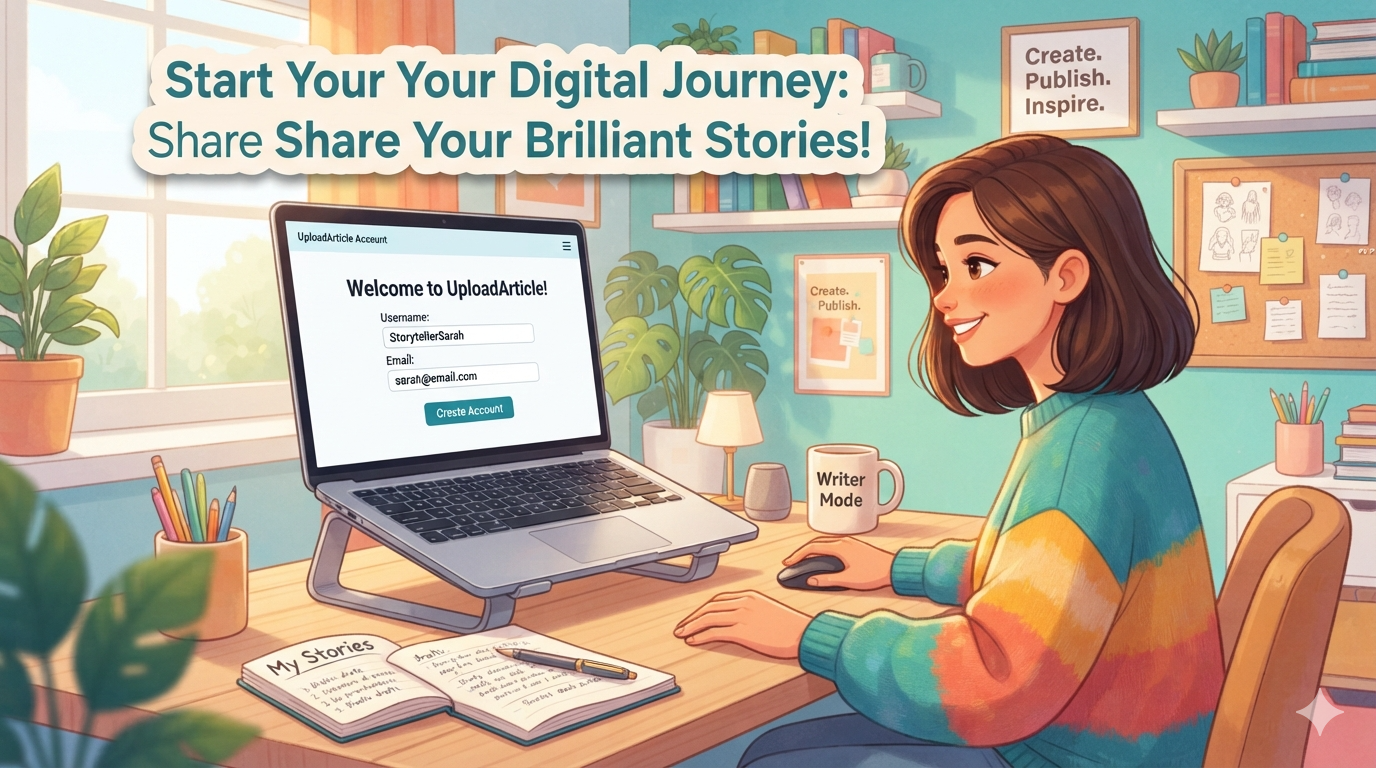
Getting started with your new digital home is super easy and takes only a few minutes of your time. First, you will want to visit the main website homepage using your favorite web browser on your computer or phone. Look for a bright button at the top corner that usually says sign up or register. Clicking that button will open a short, friendly form asking for some basic information like your name and email address. You will also need to pick a strong, secret password that nobody else can guess. Security matters a lot in the digital world because you want to keep your personal creative workspace safe from harm. After filling in those quick blanks, click the confirmation button to send your details through. Sometimes, the system will send a quick welcome message to your email inbox to make sure it is really you. Just click the special link inside that message, and boom—your brand new dashboard is officially ready for action!
How to Securely Access Your UploadArticle Login Portal
Once you have your profile set up, knowing how to reach your workspace is the next big step. Finding the uploadarticle login page is as simple as clicking a secure link on the main website. Always make sure you look at the web address bar to verify you are on the real, official page. Type in your registered email address and the secret password you created during your initial setup phase. If you happen to forget your password, do not panic or worry at all. Every good platform features a handy “forgot password” helper button right beneath the text boxes. Clicking that helper link lets the system send a reset code directly to your verified personal email address. Once you log in successfully, you will land right on your main control panel. This is where the real magic happens, allowing you to check your stats, view messages, and prepare your next big story.
Managing Your Personal Profile and Contributor Details
Your online profile is like your digital nametag that tells the internet community who you really are. Inside your uploadarticle account, you can easily update your public name, add a fun short bio, and upload a cool profile picture. People love connecting with real human beings rather than faceless computer screens on the internet today. Sharing a little bit about your hobbies and passions builds instant trust with your readers from the very start. You can also manage your contact preferences, notification settings, and password security right from this exact spot. Keeping your contact details fresh ensures that the platform can always reach you with important updates or news. Take a few minutes every month to review your settings and make sure everything looks neat and accurate. A well-maintained profile shows visitors that you take your creative work seriously and care about quality.
How to Track Your Publishing Activity and Article History
One of the coolest perks of having a dedicated workspace is watching your content collection grow over time. Your uploadarticle account features a detailed history log that keeps track of everything you have ever submitted. You can see which pieces are live on the internet, which ones are still drafts, and which ones need minor fixes. This historical archive helps you stay organized so you never accidentally write or publish the exact same story twice. Creators love using this tracker to measure their progress and see how many wonderful articles they have shared. If you want to look back at an old piece you wrote months ago, you can find it in seconds. No more digging through messy computer folders or endless email threads trying to locate old files. Everything stays neatly cataloged in your personal archive, ready for you to view, edit, or share whenever you want.
Exploring Key Features Inside Your Dedicated Publisher Dashboard
Your publisher dashboard is packed with clever tools designed to make your writing life smooth and completely hassle-free. From uploading fresh text documents to checking formatting styles, every single button is placed right where you need it. You can review system notifications, check community guidelines, and explore helpful resources built right into the platform interface. Some advanced dashboards even let you monitor basic view counts and reader engagement metrics for your published stories. This data helps you figure out which topics people love reading the most so you can write more of them. The clean layout ensures that even if you are brand new to digital publishing, you will not feel lost. Everything uses plain, simple language that makes navigation feel like a fun game rather than a chore. Take some time to click around and discover all the neat shortcuts waiting inside your control center.
Why Businesses and Agencies Rely on Organized Account Systems
Big marketing teams and busy content agencies know that keeping things organized is the true key to winning online. When an agency manages dozens of different writers, having a structured platform system changes everything completely. An uploadarticle account allows team managers to oversee multiple projects, assign tasks, and review drafts before they go live. This kind of structured teamwork prevents chaos and ensures that every single piece of content meets high standards. Businesses also appreciate the security features that protect their proprietary marketing strategies and company data from unauthorized leaks. Instead of sending files back and forth through messy emails, everyone logs into one central portal. This streamlined approach saves countless hours of meetings and keeps communication crystal clear across the board. Ultimately, organized account management helps growing businesses scale their content production safely, quickly, and very efficiently.
Essential Best Practices for Maintaining a Safe and Active Portal
Keeping your publishing portal safe and active requires just a few smart habits that anyone can master easily. First, always pick a complex password mixing letters, numbers, and symbols, and never share it with anyone else. Second, remember to log out of your session whenever you use a public computer or a shared library device. Third, check your account activity logs regularly to make sure no strange or unfamiliar actions have taken place. Being proactive about your digital safety guarantees that your hard work remains protected under your complete control at all times. Additionally, try to stay active by logging in and publishing fresh content consistently to keep your profile healthy. Platforms love active creators, and keeping a steady rhythm helps your work gain more visibility online. By following these simple rules, you will enjoy a worry-free publishing experience day after day.
Troubleshooting Common Login and Account Access Issues
Even on the best websites, little technical hiccups can sometimes happen when you least expect them to. If you ever find yourself staring at an error message during your login attempt, do not panic. First, double-check your keyboard to ensure the caps lock key is not accidentally turned on. Typos in your email address or password are by far the most common reasons why logins fail initially. If your credentials are correct but the page still refuses to load, try clearing your browser cache. Sometimes old internet data gets stuck and prevents new pages from displaying their correct login fields. You can also try switching to a different web browser like Chrome, Firefox, or Safari to test the connection. If nothing seems to work, reach out to the friendly platform support team for quick assistance. They are always happy to help you sort out technical glitches and get you back into your workspace.
Future Trends in Digital Publishing and Contributor Portals
The digital world moves at lightning speed, and publishing platforms are constantly getting smarter and more helpful for users. In the near future, we can expect even cooler features inside our favorite creator dashboards and portals. Think about lightning-fast AI writing assistants, automated grammar checkers, and smarter analytics that show reader habits instantly. These upcoming tools aim to make content creation simpler, faster, and much more enjoyable for everyday writers. Platforms are also focusing heavily on mobile-friendly designs, letting creators manage their accounts right from their smartphones. Imagine editing a draft or checking your publishing stats while riding the bus or waiting in line! Keeping an eye on these exciting tech trends ensures you will always stay one step ahead in the digital space. The future of online writing is bright, accessible, and open to anyone with a story to share.
| Feature / Aspect | Description & Benefits | Best Practice Tips |
| Account Setup | Quick registration process using basic personal details and email verification. | Use a clear, professional display name for your author profile. |
| Login Security | Secure gateway protecting your personal data and creative drafts. | Create a strong password and keep your login credentials private. |
| Profile Management | Centralized area to update your bio, picture, and contact preferences. | Keep your contact info fresh so platform support can reach you. |
| Content Tracking | Archive system to view published stories, drafts, and submission history. | Review your history log regularly to avoid duplicate submissions. |
| Dashboard Tools | Handy navigation panel providing quick access to publishing features. | Explore all dashboard shortcuts to speed up your daily writing workflow. |
Frequently Asked Questions (FAQs)
What is an uploadarticle account used for?
An uploadarticle account is your personal digital portal used to submit stories, manage your profile, and track your publishing history safely.
How do I log into my publishing account?
You can access your workspace by navigating to the official website, clicking the login button, and entering your email and password.
Is it free to create a publisher profile?
Yes, setting up a standard contributor account is typically free, allowing writers and creators to start sharing content right away.
What should I do if I forget my password?
Simply click the “forgot password” link on the login page to receive a safe password reset link directly in your email inbox.
Can businesses manage multiple writers through one portal?
Yes, organized account management systems allow agencies and businesses to oversee multiple contributors and coordinate content campaigns efficiently.
How can I keep my publishing profile secure?
Always use a strong, unique password, log out on shared computers, and review your account activity logs on a regular basis.
Conclusion and Call to Action
Setting up and managing your digital publishing workspace does not have to feel overwhelming or complicated at all. By taking advantage of a dedicated uploadarticle account, you unlock a smooth, organized path for all your creative projects. Whether you are a solo blogger sharing fun hobby tips or a busy agency running marketing campaigns, structure matters. Take charge of your digital journey today by creating your profile, securing your login details, and organizing your drafts. Why wait another minute to share your unique voice with the world? Head over to the platform right now, set up your space, and start publishing your very first amazing article today!